LinkedIn Sales Navigator Pricing Guide
LinkedIn Sales Navigator pricing starts at $119.99 per license per month or $1,079.88 per license per year for Core, and $159.99 per license per month or $1,799.88 per license per year for Advanced. These are the public starting prices, but the real cost depends on how you map it against the rest of your sales stack. Advanced Plus has no public price and requires a sales-led conversation. The core budget question is whether Sales Navigator replaces another tool or adds another line item. If it replaces a data provider or prospecting platform, the net cost may be lower. If it adds on top of existing tools, the total spend increases. This guide breaks down each plan's features, the actual costs for teams, and how to decide which tier fits your workflow. We cover the differences between Core and Advanced, what Advanced Plus typically costs, and how to evaluate ROI against your current tools.
LinkedIn Sales Navigator pricing explained: Core, Advanced, Advanced Plus, hidden costs, renewal questions, and when the license is worth it.
Current Public Sales Navigator Pricing
LinkedIn's public pricing lists Sales Navigator Core at $119. 99 per month or $1,079. 88 per year, and Advanced at $159.
- That gives buyers a clean starting point, but it is still not the whole stack cost.
- Sales Navigator helps reps research accounts, save leads, monitor job changes, and find relationship paths.
- It does not give every seller a verified work email, mobile number, dialer, sequence builder, or clean CRM workflow by itself.
99 per month or $1,799. 88 per year. Advanced Plus is custom priced through sales. Treat the license as the research layer.
Then price the data and execution layer beside it. The practical buying question is not whether Sales Navigator is expensive in isolation. The practical question is whether reps will use saved searches, lead alerts, account lists, TeamLink, and CRM sync enough to justify the seat count.
If the answer is no, buy fewer seats and pair regular LinkedIn usage with a lighter data tool. If the answer is yes, license the reps who prospect every week and keep casual users off the paid plan until usage proves otherwise.
What Core Includes
Core gives you three core features: lead and account search, saved lead lists, and InMail credits. The search filters let you find prospects by job title, seniority, company size, industry, and geography. You can save up to 2,500 leads across 40 lists and receive weekly alerts when those leads change jobs or get promoted.
- The plan includes 50 InMail messages per month, which you can send to anyone outside your network.
- For a B2B sales rep targeting mid market accounts, Core works well if you need to identify 50 to 100 new contacts each week and send personalized messages.
- But if your team needs to export data to a CRM or enrich records with phone numbers and email addresses, Core falls short.
Those features require the Advanced plan or a third party tool like Apollo or ZoomInfo. A common mistake is buying Core expecting it to replace a full data enrichment tool. Core gives you LinkedIn profile data only. It does not provide direct dials, work emails, or intent signals.
If your sales process depends on calling prospects or sending emails outside LinkedIn, you will need to budget for a separate tool like LeadIQ or ZoomInfo. Another mistake is assuming the 50 InMail credits cover high volume outreach. At roughly 1. 7 InMails per day, Core supports targeted, low volume sequences, not blast campaigns.
For a solo operator or small team focused on account based selling, Core is often the right starting point. The decision rule is simple: if you can complete your outreach inside LinkedIn messages and you do not need CRM sync or bulk exports, Core saves you money.
If you need phone numbers, email addresses, or automated data flow into Salesforce, skip Core and evaluate Advanced or a combined stack with Apollo.
What Advanced Adds
What Advanced adds is direct access to the entire LinkedIn network, removing the 1,000 saved lead and 100 saved account limits that restrict Core. For a buyer managing a territory of 500 accounts, Core forces constant cleanup of old records to stay under the cap.
- Advanced lets you store 4,000 leads and 1,000 accounts without deleting anything.
- The real differentiator is the Spotlights filter, which surfaces leads based on job changes, shared group activity, or profile completeness.
- A sales team targeting recently promoted VPs can run a single Spotlight search and get a fresh list every week, while Core users must manually cross-reference job updates.
The tradeoff is cost. A solo consultant with 200 active leads gains nothing from Advanced. A team of five hunting enterprise accounts with 3,000 target contacts each will hit Core limits in two months. Compare the per-seat price against Apollo or ZoomInfo, which offer unlimited records at similar or lower rates.
LeadIQ also provides network-wide search without seat caps, though it lacks LinkedIn's native CRM sync. The decision rule is simple. If you regularly exceed Core limits or need automated alerts for job changes, pay for Advanced. If you stay under the caps and manually check profile updates, save the money.
One mistake buyers make is upgrading for the TeamLink feature, which shows colleagues' connections to a lead. That exists in Core too. Only pay for Advanced when the ceiling hurts your pipeline velocity.
What Advanced Plus Changes
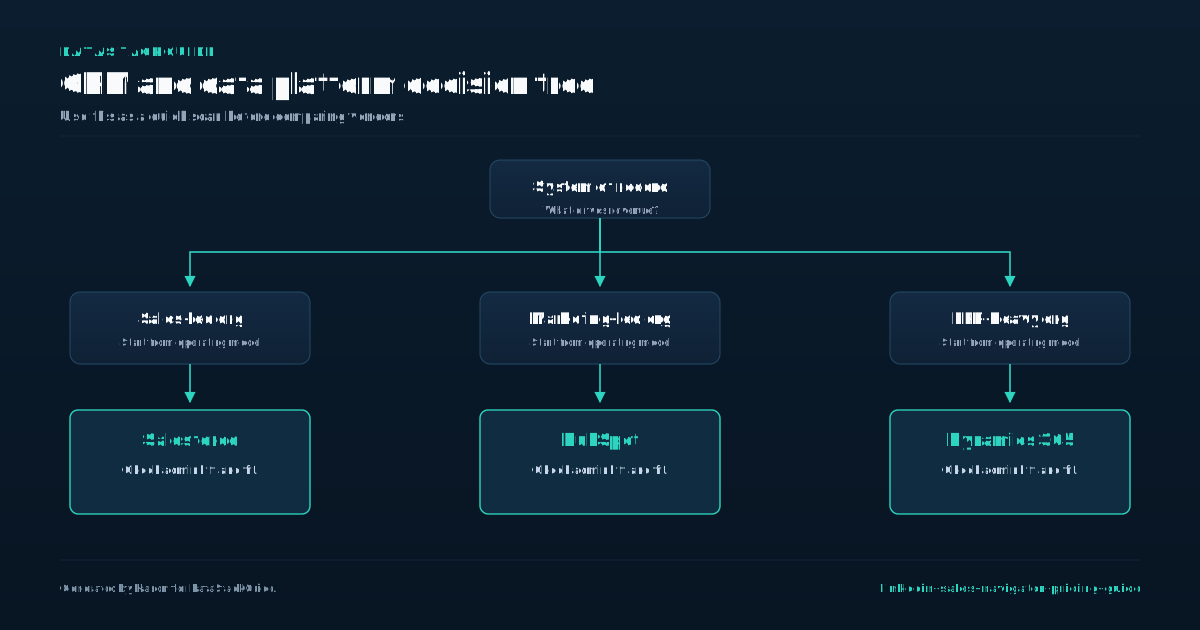
Advanced Plus is the tier where Sales Navigator stops being a prospecting tool and becomes a data operations investment. The practical difference is that you can push enriched LinkedIn data directly into your Salesforce or HubSpot records without manual entry.
- For a team of ten sellers, that eliminates hundreds of hours of copy-paste work each quarter, but only if your CRM is clean enough to accept automated updates without creating duplicates.
- The common mistake is buying Advanced Plus before your team has mastered the Core workflow.
- If your reps are still struggling to build basic saved searches or interpret account lists, the API access will just accelerate bad habits.
A better decision rule is to wait until at least three reps consistently hit their monthly connection targets with Core alone. The tradeoff is lock-in. Once you build your CRM automation around Advanced Plus, switching to LeadIQ or ZoomInfo requires rebuilding your sync logic. Budget for a six-month pilot with one team before expanding.
If your average sales cycle is under a short trial window, stick with Core and a separate data provider. Advanced Plus pays off only when you need to track long-cycle enterprise accounts where a single title change can kill a deal.
Hidden Costs Around Contact Data
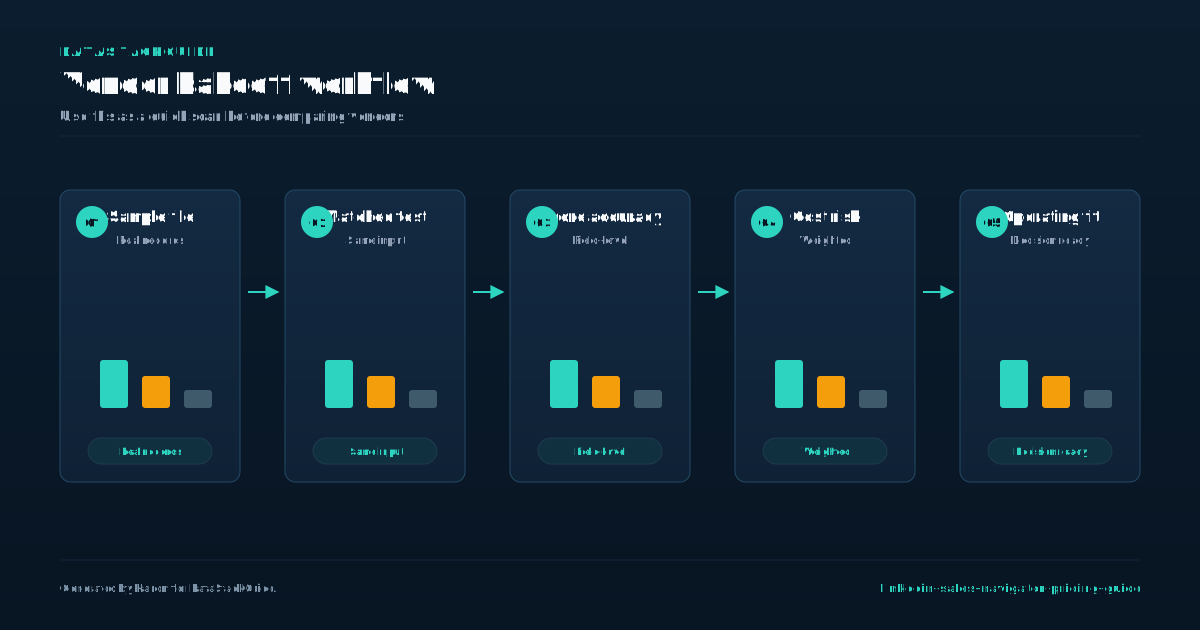
The listed price for a Sales Navigator subscription covers only the platform itself. The real cost appears when you try to use those exported profiles for outreach. LinkedIn's terms of service restrict automated data extraction and bulk exporting of member profiles.
- A practical decision rule is to calculate your total cost per contacted lead before committing to any plan.
- The tradeoff is clear: pay more for higher match rates with ZoomInfo or accept occasional bounces with Apollo to keep costs down.
- To avoid surprise bills, audit your current outreach workflow before buying.
If you export 500 leads from a Sales Navigator list and attempt to enrich them with phone numbers or direct emails using a third-party tool like Apollo, ZoomInfo, or LeadIQ, you will quickly hit credit limits or pay per-contact fees that can double your total monthly spend.
Count how many contacts your team actually emails or calls each month, then check the per-seat or per-credit pricing on your preferred enrichment provider. If you export 1,000 Sales Navigator profiles but only reach out to 150, you are paying for data you never use.
A smarter approach is to export only the profiles you intend to contact within the same week, then enrich them in batches.
When Sales Navigator Is Worth the License
Sales Navigator becomes worth the license when your deal size justifies the cost of manual research. The math flips for lower-priced products. The mistake most buyers make is choosing Advanced over Core without testing the gap.
- Advanced adds Spotlights, which surface job changes and funding events, and TeamLink, which shows second-degree connections through colleagues.
- These features matter only if you sell into accounts with frequent executive turnover or rely on warm introductions from your team.
- For standard outbound to stable mid-market companies, Core provides the same search filters and InMail credits at half the cost.
Your decision rule should be simple. Upgrade to Advanced only when your pipeline depends on catching job changes or your team structure requires warm path introductions. The license cost eats into margin too fast, and the data quality advantage disappears when your prospect volume is low.
How to Control Seat Waste
The most common mistake buyers make with Sales Navigator is buying seats for everyone who might ever need it. The decision rule is simple: only assign a seat to someone who actively builds and manages a list of at least 50 target accounts or runs more than five saved searches per week.
- For occasional lookup needs, use the free LinkedIn account combined with Apollo or LeadIQ, which offer contact data on a pay-per-export basis.
- ZoomInfo pricing also works well for teams that need firmographic filters but do not require the social selling signals that Sales Navigator provides.
- To control seat waste, run a quarterly audit.
Export your seat usage report from the admin panel and check each user's saved search count and list activity. Anyone with fewer than three active saved searches or zero list updates in the last a short trial window should be downgraded. This keeps your Sales Navigator spend tied directly to output, not headcount.
Pricing Questions Before Renewal
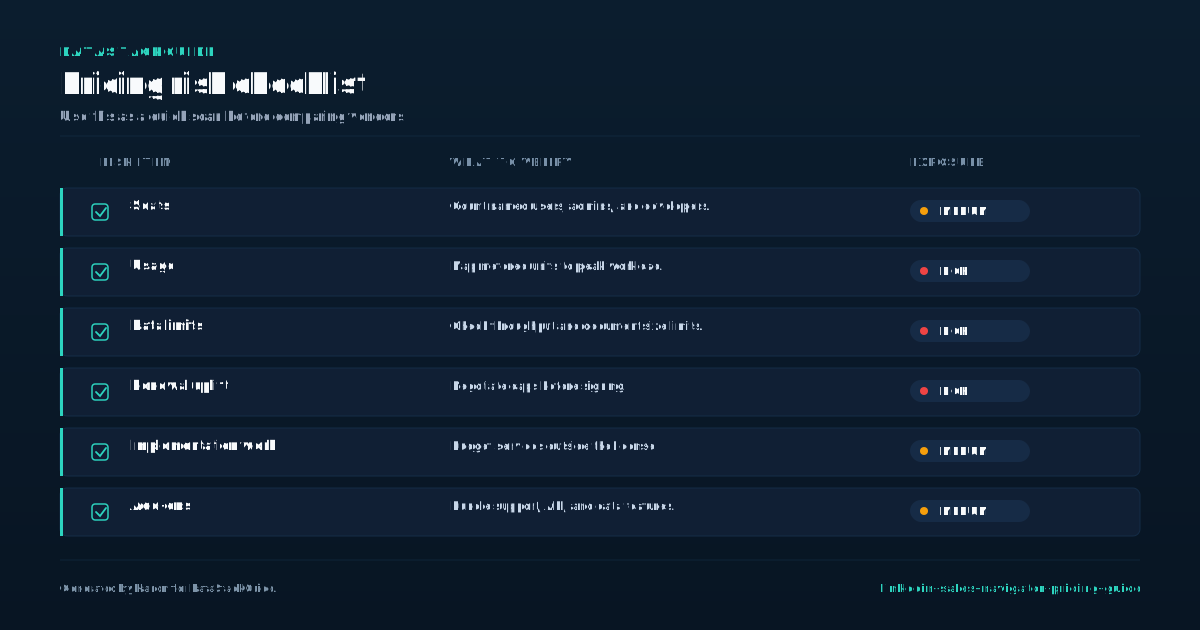
Before you sign a renewal contract for LinkedIn Sales Navigator, check your actual usage against what you paid for last year. The decision rule is simple: if your monthly export count stays under 200 leads and you do not need real-time job change alerts, you are overpaying for Sales Navigator Core.
- If your renewal rep pushes Advanced, ask for a usage report from your admin dashboard.
- Watch for hidden cost increases in your renewal quote.
- A typical trap is a renewal quote for 12 seats when only 8 people actively log in.
Push back and demand a seat audit. If the rep refuses to adjust, switch to a monthly plan and evaluate Apollo or LeadIQ for the unused seats. The tradeoff is losing LinkedIn's native InMail credits, but those credits rarely convert at a higher rate than a cold email sequence built from a cheaper data source.
Tools Mentioned in This Guide
Related Categories
Sources
Frequently Asked Questions
How much does LinkedIn Sales Navigator cost?
LinkedIn lists Sales Navigator Core at $119. 99 per license per month or $1,079. 88 per license per year. Advanced starts at $159.
99 per license per month or $1,799. 88 per license per year. Advanced Plus is custom priced through sales. Prices can vary by region, billing path, taxes, and promotions.
Which Sales Navigator plan includes CRM sync?
The CRM sync feature is included in the Sales Navigator Advanced Plus plan. This plan offers native integration with Salesforce and Microsoft Dynamics 365, enabling automatic activity logging and data synchronization.
The Core and Advanced plans do not include CRM sync. For direct CRM integration, you need the Advanced Plus tier.
Is Sales Navigator worth the price?
Sales Navigator is worth the price if you rely on LinkedIn for lead generation and sales outreach. If you close deals directly from LinkedIn, the ROI justifies the cost. For casual networking, the free version suffices.
Does Sales Navigator include email addresses?
No. Sales Navigator provides LinkedIn profile data, lead and account search, alerts, and InMail credits, but it does not provide verified work email addresses or direct dials.
Teams that need email or phone data usually pair it with a provider such as Apollo, LeadIQ, Cognism, or ZoomInfo.
What should I budget beyond Sales Navigator pricing?
Budget for the full prospecting workflow, not only the Sales Navigator license. Many teams still need a contact data provider, email verification, a sales engagement platform, CRM enrichment, and admin time for list hygiene.
Sales Navigator is strongest for LinkedIn research and account context; it rarely replaces the entire outbound stack by itself.

Rome Thorndike
Rome Thorndike is the CEO & Founder of Provyx, which provides GTM intelligence and data validation for healthcare companies, including EngagedMD and BTL Industries. He led sales at Datajoy, acquired by Databricks, and sold analytics and enterprise platforms at Microsoft and Salesforce.
Connect on LinkedIn