MuleSoft Pricing Guide (2026)
MuleSoft pricing is quote-based. The public pricing page does not list flat dollar amounts. Instead, it asks buyers to choose between MuleSoft Integration Starter, MuleSoft Integration Advanced, and an API Management Solution, then contact sales for a package sized to their usage. The important buyer question is not "what is the monthly price?" It is "what capacity, support, deployment model, and API-management scope will this integration program need?" This guide explains how to model that cost before you ask for a quote.
MuleSoft pricing explained: why Anypoint costs are quote-based, what drives total cost, and how to compare MuleSoft against Boomi, Workato, and lighter tools.
Why MuleSoft Pricing Is Quote-Based
MuleSoft is priced around integration and API-management usage, not a simple seat count. The public page lists MuleSoft Integration Starter, MuleSoft Integration Advanced, and an API Management Solution, and each one is marked "Contact for pricing." That tells you how to run the buying process.
- You need to size the work before you negotiate the package.
- Start by listing the integrations you plan to build, the APIs you need to manage, the environments they will run in, and the support level the business expects.
- A team connecting a few SaaS apps has a different cost profile than a global enterprise managing critical APIs across cloud and on-prem systems.
The mistake is asking "how much is MuleSoft?". before you know what you are buying. A better question is: which integration flows, message volumes, API-management needs, deployment models, and success plan belong in the first contract? If that scope is fuzzy, the quote will be fuzzy too.
Bring a first-year and second-year scope to the conversation. The first-year scope should cover the integrations and APIs that must launch. The second-year scope should cover likely expansion: more teams, more APIs, more environments, more messages, or more governance. This keeps the first quote from being artificially small.
It also helps you decide whether Starter is a true starting point or whether Advanced is the more realistic package once growth is included. A good quote should make tradeoffs visible instead of hiding them behind a single annual number.
Integration Starter Versus Advanced
MuleSoft positions Integration Starter as the entry package for teams getting started with APIs and integrations. It includes core capabilities to design, manage, and deploy APIs and integrations, plus asset reuse, limited API-management capacity, and low-code integration features for business teams.
- Integration Advanced adds capabilities for enterprise-scale deployment, including advanced monitoring and log management, global multi-cloud deployment, clustering for high availability, and hybrid deployment support.
- The buying rule is simple: Starter fits when the team needs a controlled launch path and can live inside the included capacity.
- Advanced fits when the program needs stronger monitoring, hybrid deployment, or wider enterprise rollout.
Do not buy Advanced only because it sounds safer. Buy it when the operating requirements demand it. Ask Salesforce to show which capabilities are included in each edition for your use case and which ones become add-ons once capacity grows.
How Mule Flows and Mule Messages Affect Cost
MuleSoft says Integration Starter and Integration Advanced are charged on a subscription basis and measured by Mule Flow and Mule Message capacity. Mule Flows represent the breadth of integration deployments. Mule Messages represent the intensity of usage across those deployments.
- That means a pricing conversation should include both how many flows you expect to operate and how busy those flows will be.
- A small number of business-critical flows can need more capacity than a larger number of low-volume workflows.
- Before you ask for a quote, group your integrations by business process, expected traffic, error tolerance, and growth pattern.
Then separate launch volume from future volume. If a seasonal campaign, data migration, or new product launch will change message intensity, tell the sales team before the quote is built. The practical goal is predictable spend across the contract term.
Annual subscription pricing helps only if the package is sized against realistic usage rather than a best-case launch estimate. Treat this like capacity planning. For each flow, estimate whether it is business-critical, how often it runs, what systems it touches, and what happens when it fails.
A nightly data sync, a customer-facing order API, and an internal approval workflow should not be modeled as equal risk. You also need to account for retries, errors, backfills, and launch spikes. Those usage patterns can change message intensity even when the number of flows stays flat.
Put those assumptions in the pricing worksheet so the sales team sizes the package against actual operating behavior rather than a rough list of integrations.
API Management Pricing Drivers
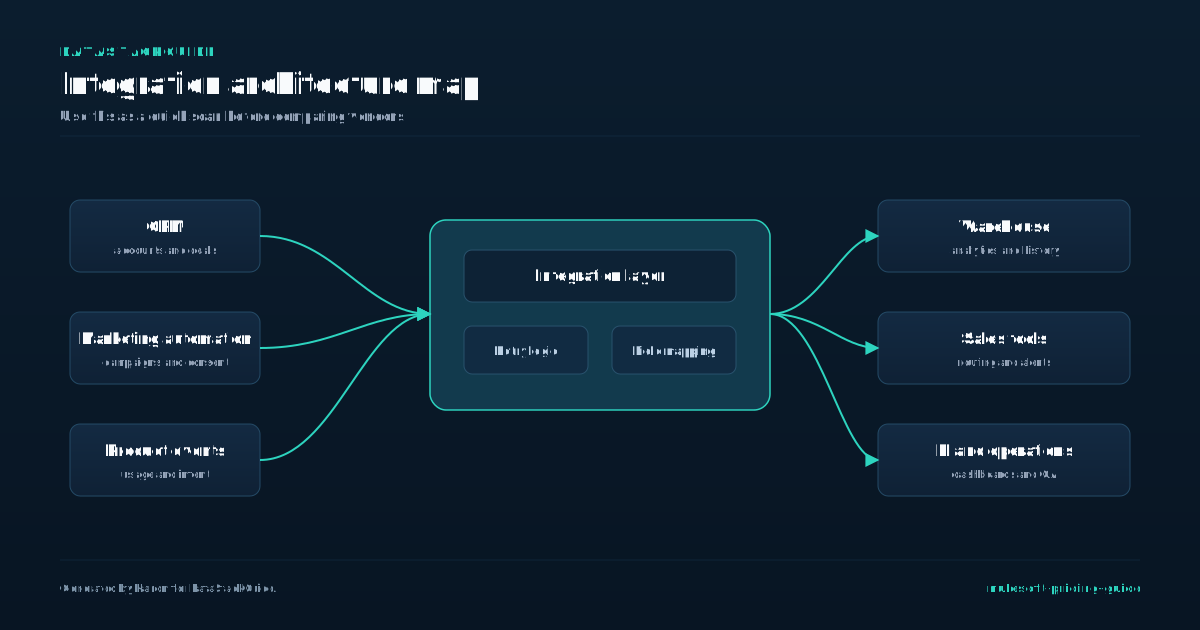
For API Management, MuleSoft lists pricing drivers by volume: API requests for Anypoint Flex Gateway, APIs managed for Anypoint API Manager, APIs governed for Anypoint API Governance, and API access requests for API Experience Hub. This changes the buyer task because API management cost follows a different shape than app-to-app integration cost.
- A company exposing a small number of high-traffic APIs may need a different package than a company governing many low-traffic internal APIs.
- The decision rule is to count APIs by job, not by technical artifact.
- Separate public APIs, partner APIs, internal APIs, agent-facing APIs, and legacy proxies.
Then decide which ones need policy enforcement, governance, external access, discovery, and monitoring. Do not assume every API needs the same management layer on day one. Start with the APIs that create customer risk, compliance risk, or partner dependency. Add lower-risk internal APIs after the governance model is working.
Also separate management from governance. Managing an API can mean publishing, securing, routing, and monitoring it. Governing an API can mean checking standards, conformance, and compliance across the lifecycle. A team may need strong gateway enforcement for a small number of public APIs and lighter governance for a larger set of internal APIs.
Ask which API-management volumes are included in the package and which volumes trigger expansion. That answer should match the API inventory you plan to operate, not an abstract platform demo.
Success Plans and Support
MuleSoft pricing also depends on the support and success model around the platform. The public page lists Premier Success Plan as bundled with the main packages and Signature Success Plan as an upgrade on Integration Advanced. Premier includes onboarding and success reviews, targeted guidance, workshops, phone and online support, and developer support.
- Signature adds a designated customer success manager, joint success planning, faster response time for business-stopping issues, and more specialized architecture guidance.
- If MuleSoft will sit behind payments, order management, customer data movement, or partner-facing APIs, support response time belongs in the pricing model.
- If the first rollout is a lower-risk internal integration, the standard included plan may be enough to start.
The support tier should match business risk. Ask which incidents qualify for each response target and what support covers when custom DataWeave scripts, connector behavior, or deployment issues create production risk.
Software Cost Versus Program Cost
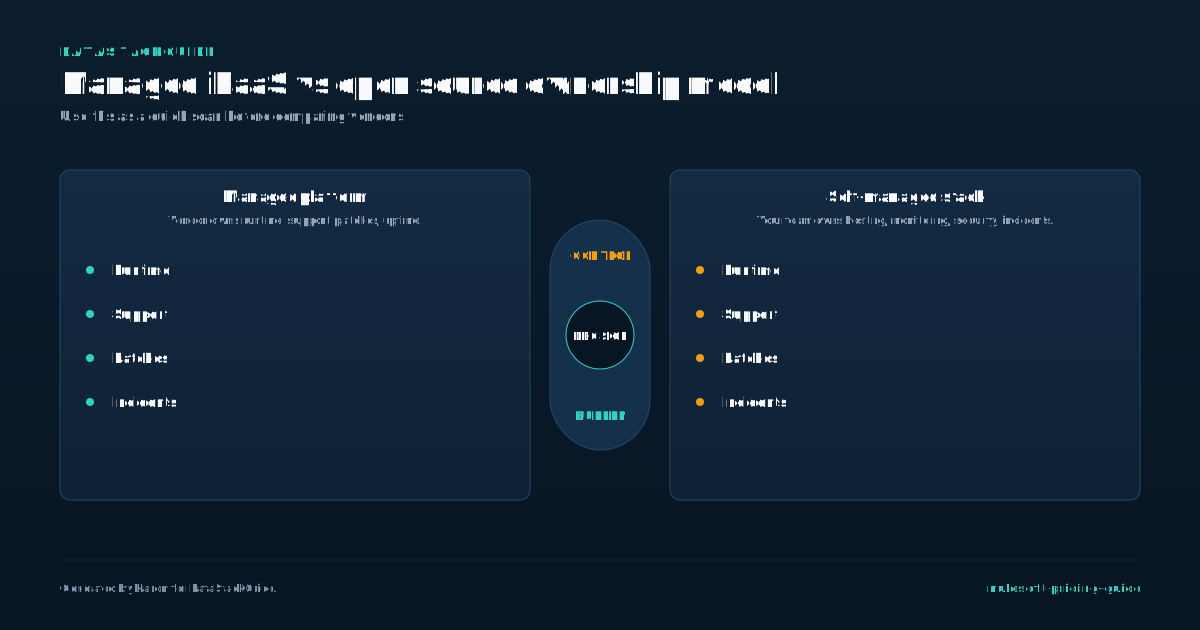
MuleSoft cost is not only the software subscription. It also includes people, process, and governance. Someone has to design APIs, build integrations, review reusable assets, manage environments, monitor failures, document changes, and decide which teams can publish or consume assets.
- A lower software quote can still be expensive if every change requires custom development or outside consultants.
- A higher software quote can be reasonable if it reduces repeated integration work and gives the business reusable patterns.
- Build a program budget alongside the license quote.
Include platform administration, developer time, architecture review, QA, security review, documentation, training, and production support. This is the budget finance actually needs. Without it, MuleSoft looks like a license purchase when it is really an integration operating model. The program budget should also include reuse work.
MuleSoft has real value when teams publish assets that others can find and reuse, but reuse does not happen automatically. Someone has to maintain naming rules, documentation, ownership, examples, and versioning. If every project builds a new connector or API from scratch, the platform becomes an expensive build tool.
If the organization invests in reuse, later projects get faster and easier to govern. This is the economic case to test before buying: whether your organization will run MuleSoft as a shared integration platform or as a collection of isolated projects.
How to Compare MuleSoft With Boomi, Workato, and Make
Compare MuleSoft with Boomi, Workato, and Make by integration pattern, not brand familiarity. MuleSoft is strongest when API lifecycle management, reuse, governance, hybrid deployment, and enterprise support matter. Boomi often fits teams that want packaged integration and data movement with less API-program overhead.
- Workato often fits operations teams that need workflow automation across SaaS tools.
- Make fits lighter automation where cost and speed matter more than governance.
- The buying mistake is using one platform for every integration problem.
A company can use MuleSoft for governed APIs and still use a lighter automation tool for simple internal workflows. Ask which systems are mission-critical, which workflows need auditability, and which integrations could be rebuilt cheaply if they failed. Put the strictest requirements on MuleSoft first.
Keep simple, low-risk automation out of the MuleSoft scope unless consolidation is worth the extra governance.
Pricing Questions Before Buying
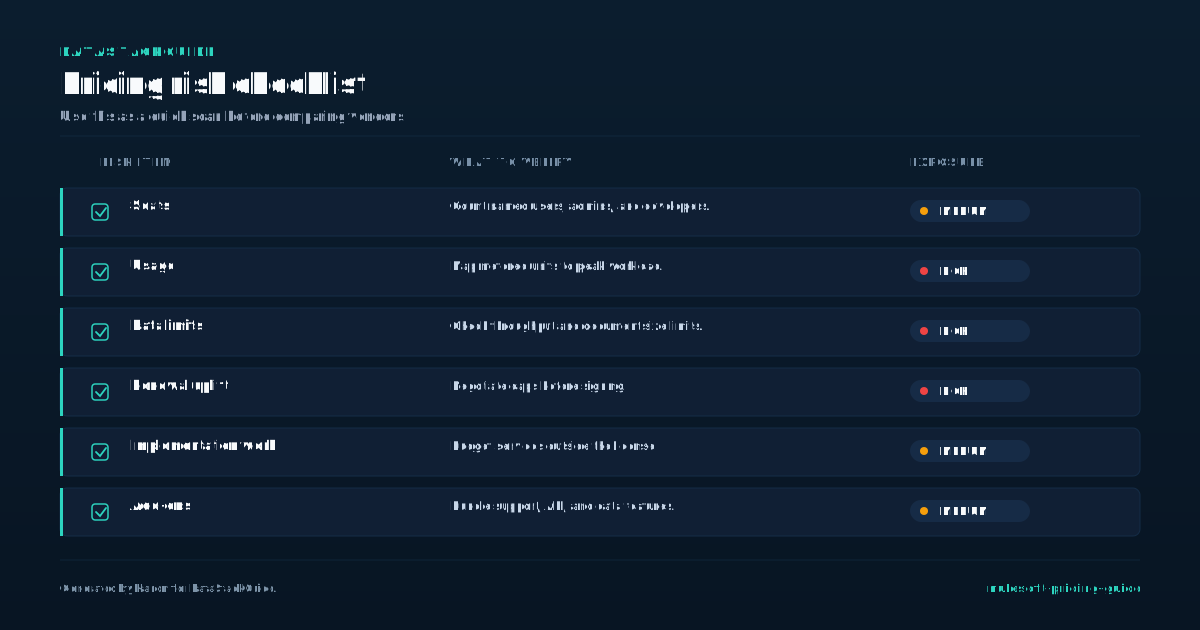
Before buying MuleSoft, ask questions that make the quote concrete. Which edition is being proposed and why? How many Mule Flows and Mule Messages are included?
- Which API-management capabilities are included, and where does extra capacity start?
- Does the package include low-code integration features, and who can use them?
- Which success plan is included, and what response targets apply to production incidents?
Which deployment models are included? Are additional environments, sandboxes, gateways, API Experience Hub access, or governance needs part of the base package or separate add-ons? What happens if usage grows faster than expected? The goal is not to force a public price where none exists.
The goal is to turn a custom quote into a clear operating model with capacity, support, and expansion rules you can explain before renewal. Ask for the quote in plain language as well as contract language.
You should be able to explain to finance what usage is included, to engineering what capacity is available, to security what governance is covered, and to operations what support response applies. If those teams understand different things from the same quote, the deal is not ready.
The final document should connect business goals to package scope: which integrations launch first, which APIs are managed, which support plan protects production, and what expansion path applies when usage grows.
Tools Mentioned in This Guide
Related Categories
Sources
Frequently Asked Questions
How much does MuleSoft cost?
MuleSoft does not publish fixed Anypoint Platform prices. Its public page marks Integration Starter, Integration Advanced, and API Management Solution as contact-for-pricing packages.
Cost depends on the edition, Mule Flow and Mule Message capacity, API-management volume, deployment needs, support plan, and add-ons.
Why is MuleSoft expensive?
MuleSoft can be expensive because it is built for enterprise integration and API management, not only simple app automation. Buyers pay for integration capacity, API governance, deployment options, monitoring, support, and the people required to run the program.
The right comparison is total integration program cost, not only the subscription.
Is MuleSoft cheaper than Boomi?
Not usually for simple app-to-app workflows. Boomi can be a better fit when the need is packaged integration without a large API governance program.
MuleSoft is easier to justify when the business needs managed APIs, reuse, hybrid deployment, and stricter enterprise controls.
Can small teams use MuleSoft?
Small teams can use MuleSoft, but they should be careful. If the team only needs a few low-risk SaaS automations, Workato, Make, Zapier, or Boomi may be easier to operate.
MuleSoft starts to make more sense when integration reliability, API governance, and long-term reuse matter more than quick setup.
What should I model before asking for MuleSoft pricing?
Model the integrations you plan to build, expected Mule Flow and Mule Message capacity, APIs to manage or govern, deployment model, environments, support tier, admin ownership, and expected growth.
Bring that scope into the sales process so the quote reflects how the platform will actually run.

Rome Thorndike
Rome Thorndike is the CEO & Founder of Provyx, which provides GTM intelligence and data validation for healthcare companies, including EngagedMD and BTL Industries. He led sales at Datajoy, acquired by Databricks, and sold analytics and enterprise platforms at Microsoft and Salesforce.
Connect on LinkedIn